Product

Build your product shortlist.
Sign in with a customer account to add products and request a quote.4THEWALL / MARKET
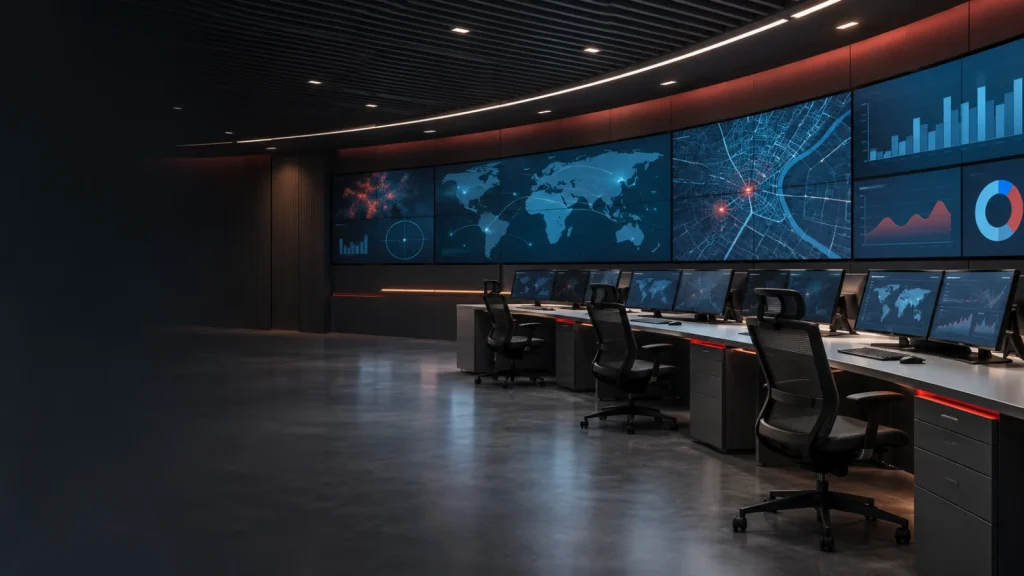
Help teams compare approved information sources and maintain a clear operational picture across monitoring, briefing and coordination spaces.
 Market / 4thewall
Help teams compare approved information sources and maintain a clear operational picture across monitoring, briefing and coordination spaces.
Bring the relevant maps, application views and approved video sources into a common visual environment.
Plan a small set of usable layouts for normal operation, developing situations and structured briefings.
Consider the relationship between individual desks, the shared wall and meeting spaces where teams coordinate.
Start with the people, the source systems and the tasks they perform. Define which information needs to be shared, who controls the layout and how the room changes between operating modes. Confirm integration and availability requirements with the responsible teams; the AV system does not replace dispatch, communications or safety systems.
See the 4thewall desktop management approach in the product demonstration below. The video introduces a software workflow; it is not a reference installation for this industry.
Visit the official 4thewall YouTube channel →
Start with the source interfaces, simultaneous views, display arrangement and operator workflow. The related product families below are starting points for evaluation. Confirm the final model, software version and integration scope against the project requirements.
Document likely changes in sources, displays and operator positions in the initial brief. Expansion options depend on the selected hardware, software licensing and network design; they must be confirmed for the proposed configuration.
FROM REQUIREMENTS TO PRODUCTS
Products to explore for your project. Final selection and system compatibility depend on your requirements.
Software
Designer V provides browser-based video wall control with layouts, user privileges and automation workflows. It supports collaboration and central management of professional video wall systems.
Explore
Software
ODM V3 is a software-based desktop management and Soft KVM platform. It supports remote keyboard and mouse control, application or screen-region sharing, and collaboration across professional AV environments.
ExploreTAKE A CLOSER LOOK
Keep the current overview and product references together in one PDF.
LET’S PLAN YOUR PROJECT
Tell us about your sources, displays, users and operating environment. Our team can help you evaluate the next step. Browse resources and documentation for published support materials.