Product
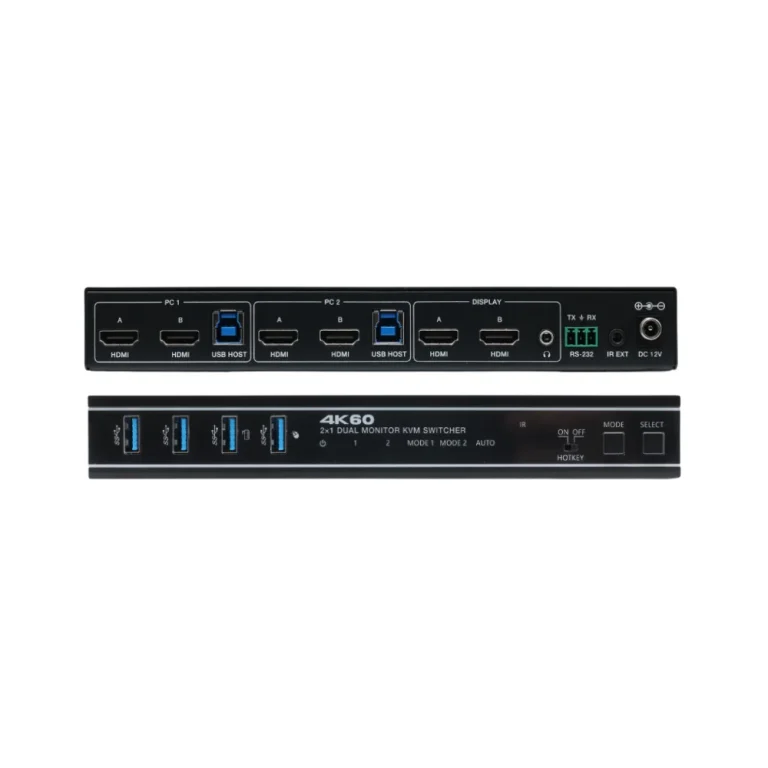
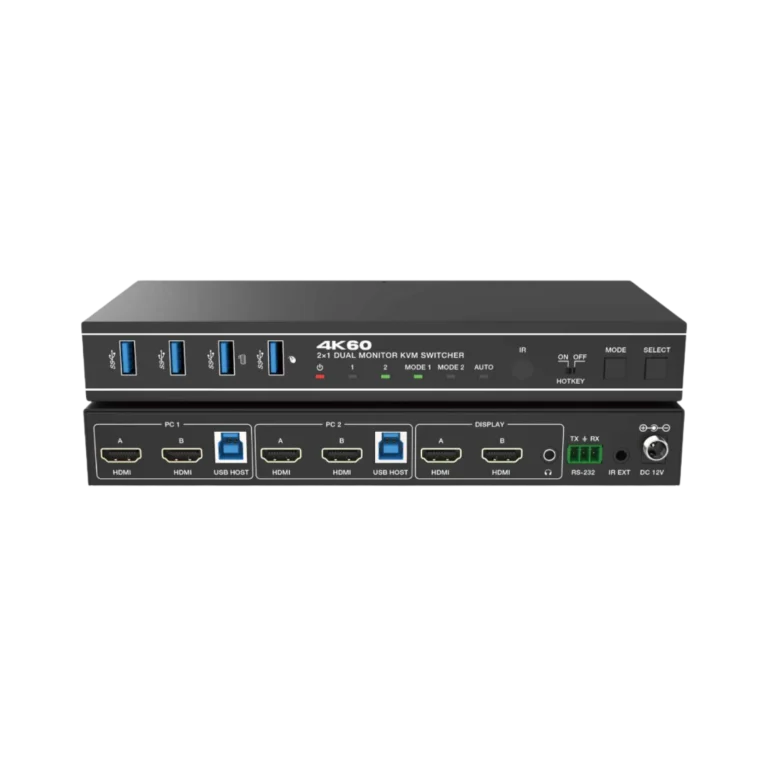
SC-KVM2H0202R-A
SC-KVM2H0202R-A
Explore
Build your product shortlist.
Sign in with a customer account to add products and request a quote.4THEWALL / SOLUTION
Build a workspace around the way you use computers, displays and peripherals. Explore switching and desktop management options without losing sight of the everyday workflow.
 Solution / 4thewall
List the computers, monitors and shared peripherals. Decide when you need to switch control and when you need to share content.
Compare the display and USB connections on each model. Validate the exact computer, monitor and peripheral configuration before selection.
Where remote access or screen sharing is required, explore the ODM platform and discuss the network and access requirements.
Begin with the users, the content they share and the tasks they repeat. Map the source and display connections, agree the control workflow and review installation constraints before comparing the final product configuration.
Visit the official 4thewall YouTube channel →
Share the intended room layout, source systems, user roles and operating scenarios. The related products and software below provide a starting point; final selection follows a review of the complete requirements.
FROM REQUIREMENTS TO PRODUCTS
Products to explore for your project. Final selection and system compatibility depend on your requirements.
TAKE A CLOSER LOOK
Keep the current overview and product references together in one PDF.
LET’S PLAN YOUR PROJECT
Tell us about your sources, displays, users and operating environment. Our team can help you evaluate the next step. Browse resources and documentation for published support materials.